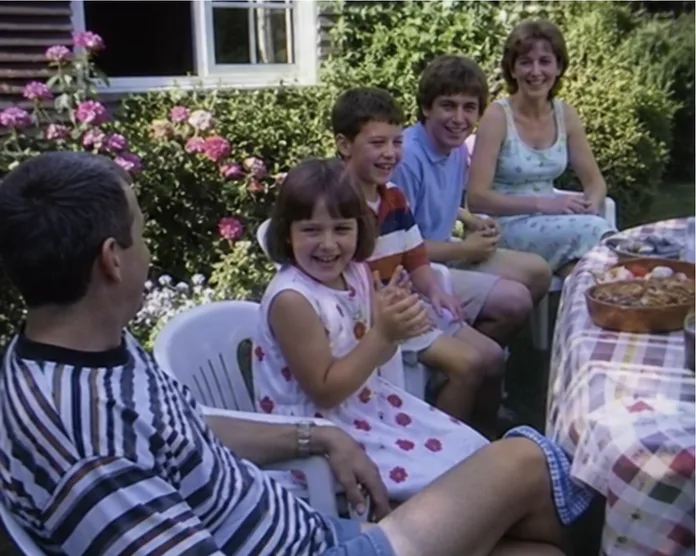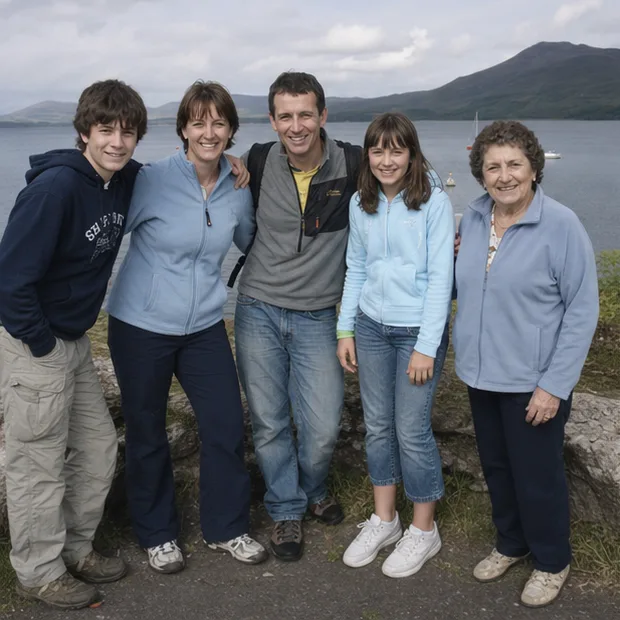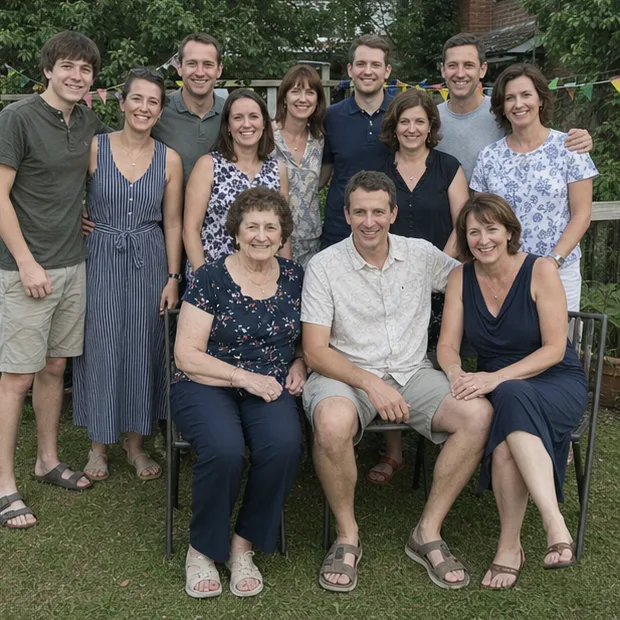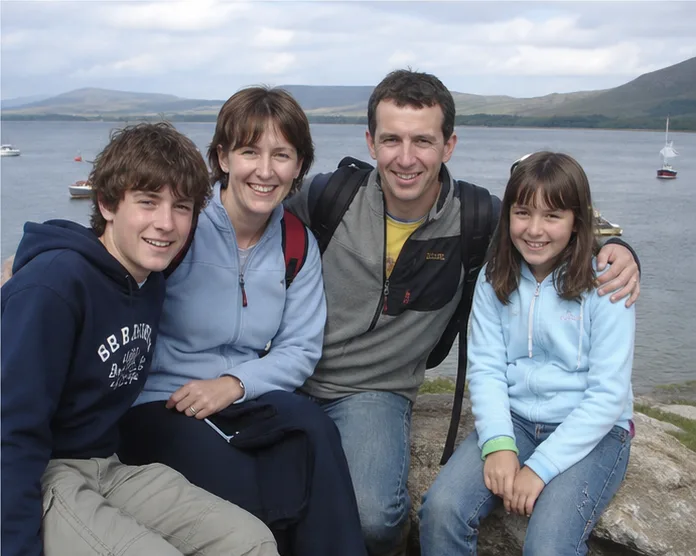
There are two kinds of family-photo request. “Send me anything old” lives unread in a group chat. “Does anyone have photographs from Rose’s 70th in 2006?” makes somebody remember the envelope in the desk drawer.
Collecting well is mostly about making the request smaller.
Choose an event or a gap
Give the collection a boundary: one wedding, one grandparent, the 1980s holidays, or photographs of the old house. People can search for a thing they recognise. They cannot search for “family history”.
Say what formats are useful. Ask for the original image or video file when possible, not a screenshot pasted into a message.
Use one contribution route
Email, WhatsApp and social messages create multiple partial collections. Choose one upload folder or private contribution page and put the same link everywhere. Name it clearly and give a gentle deadline tied to a real reason: “We will watch these at the reunion on 18 September.”
Memrial Event Memory Drops create a private contribution link for a wedding, birthday, reunion or memorial. A relative can add to that dated event page without making an account. Accepted archive members can also respond to a targeted Memory Request.
Ask for three useful details
Beside each upload, request:
- the best date they know;
- the people they recognise;
- one sentence about what was happening.
Do not make every field compulsory. An uncertain clue is still a clue. Record who supplied it so a later correction does not erase the history of the answer.
Write the message like a person
Try this:
I’m putting together the photographs from Mum’s 70th. If you have any, could you add the original files here by 5 September? A rough date and the names you know would be brilliant. Please do not add anything you would not want kept in the private family archive.
Include one example photograph. It helps relatives recognise the event and makes the project feel real rather than administrative.
Keep an intake log
Download each batch into an INBOX_UNTOUCHED folder labelled with the contributor and date. Do not immediately merge, rename and delete. Two near-identical scans may have different quality or writing on the back.
Our free archive metadata template has fields for the contributor, information source, privacy note and backup locations. It saves the inevitable “who sent this?” conversation next year.
Deal with privacy before the surprise
Tell contributors who can view the finished collection. Ask before including sensitive photographs, children, medical events or images from a memorial. A private link controls entry; it cannot stop an invited person taking a screenshot.
For an ongoing collection, use invite-only family sharing and review membership rather than circulating one permanent open link.
Finish one useful set
Thank people and show them the result. Add dates and names, preserve the original files, then invite corrections beside the selected memories. A relative who sees their contribution treated carefully is much more likely to open the next box.
Start with one event and one person who always takes photographs. The rest of the archive can grow after the first successful collection—not before it.
How this guide was made
About this guide
Memrial publishes this guide and is included where it genuinely fits. Product comparisons use the linked providers’ official documentation and state when another option is better. We do not claim hands-on testing we have not done.
Read our research, disclosure and corrections policy →Questions about this article
Quick answers.
What is the easiest way to collect photos from relatives?
Use one clearly named contribution link or upload folder, explain what event or period you need, set a gentle date and ask for one or two details with each file.
Should contributors need to create an account?
For a one-off event, fewer steps usually brings more contributions. A private contribution page can accept media first; invite people into the lasting archive only when they want ongoing access.
How do I avoid duplicate family photos?
Keep every incoming file in a dated inbox, preserve the contributor name and compare files before deleting. Similar images may have different resolution, crops or captions.