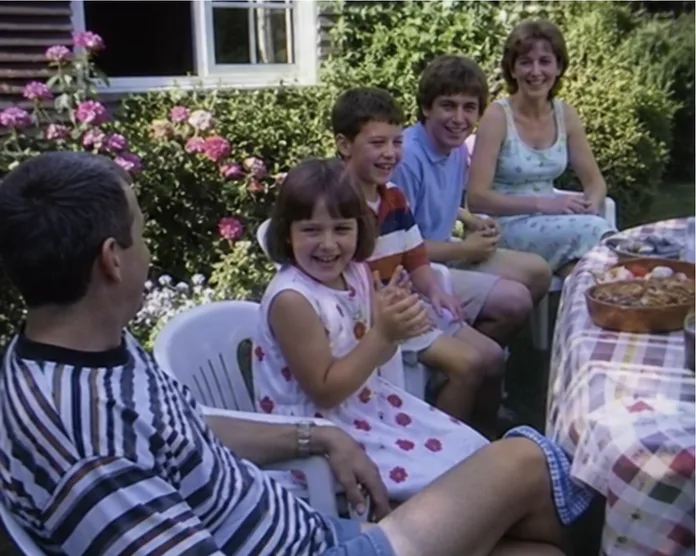
Old home videos are unusually bad at being watched alone. The camera points at a garden gate for twenty seconds, then somebody beside you says, “That is because Grandad was about to arrive in the car he pretended not to buy.” Suddenly the dead time is the story.
If relatives live apart, there are four sensible ways to recreate that sofa commentary.
1. Share your screen in a video call
Zoom, Teams, Meet and similar calls are the quickest option because people already know them. Turn on the call’s video-optimisation and computer-audio settings. Close private notifications before sharing the screen.
The weakness is quality. Call software may soften motion, reduce frame rate or let one person’s connection affect the experience. Test a five-minute section first and have a fallback link ready.
2. Send a restricted link and count down
Upload a viewing copy to a service that supports named viewers, then ask everyone to press play at the same time. This preserves better picture quality than ordinary screen sharing and requires little setup.
It does not stay in sync. Pauses, buffering and enthusiastic relatives soon put everyone at different scenes. An “unlisted” link can also be forwarded; use account-restricted access for sensitive footage.
3. Run Plex or Jellyfin
A self-hosted media server gives a technical family control over its own library and can stream large collections beautifully. It also requires a computer or server that stays online, remote-access configuration, enough upload bandwidth and somebody willing to maintain it.
This is a good answer when the household already enjoys self-hosting. It is not a kind favour to hand the least technical relative a networking project on Friday evening.
4. Use a synchronised family watch room
Memrial Watch Parties are designed around home videos already kept in the private family archive. Up to six people join from different homes; one person has the remote, playback stays aligned, and text or voice chat runs beside it.
That makes sense when you want the video to remain connected to its date, people and family comments after the evening. It is a Memrial feature rather than a general public watch-party service, and plan allowances vary.
Prepare the video before inviting everyone
Keep the untouched transfer safe, then make a viewing copy. Trim long blank beginnings, give the file a human title and check speech sync. For a two-hour tape, choose a 20–40 minute section. Leaving people wanting the next tape is better than trapping them in static.
If the cassettes are not converted yet, use our VHS to digital guide and local service finder. If they are, follow the post-conversion storage checklist.
Give people something to answer
Send two prompts with the invitation: “Who do you recognise?” and “What happened just after this?” Nominate one person to jot down dates, places and disputed names. Ask before recording the call itself.
Afterwards, add the useful answers beside the video in the family history Timeline. The stream is pleasant for an evening. The names and stories are what make the evening useful to someone years from now.
How this guide was made
About this guide
Memrial publishes this guide and is included where it genuinely fits. Product comparisons use the linked providers’ official documentation and state when another option is better. We do not claim hands-on testing we have not done.
Read our research, disclosure and corrections policy →Questions about this article
Quick answers.
Can I watch a private home video with family online?
Yes. You can share your screen in a video call, send a restricted video link, run a self-hosted media server or use a private synchronised watch room.
Why does screen-shared video look blurry?
Video-call software often prioritises faces and speech over fast-moving footage. Use its video or sound-sharing mode, or choose a service that streams the source separately to each participant.
How many people fit in a Memrial Watch Party?
A Memrial Watch Party supports up to six participants. One person controls synchronised playback, with text and voice chat available during the video.