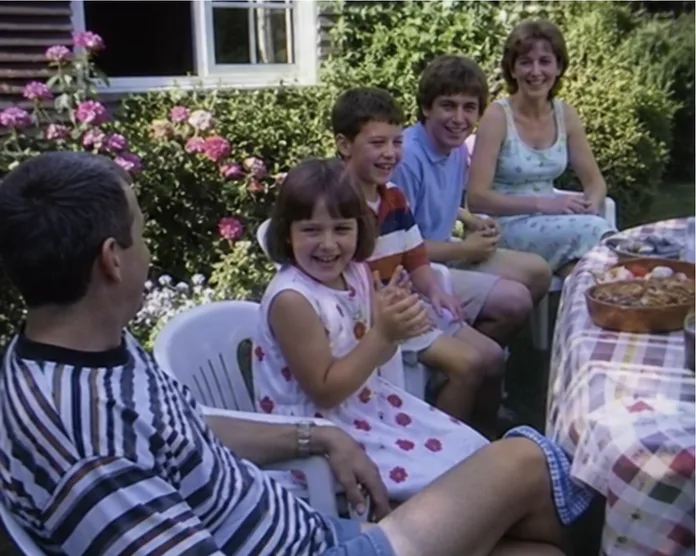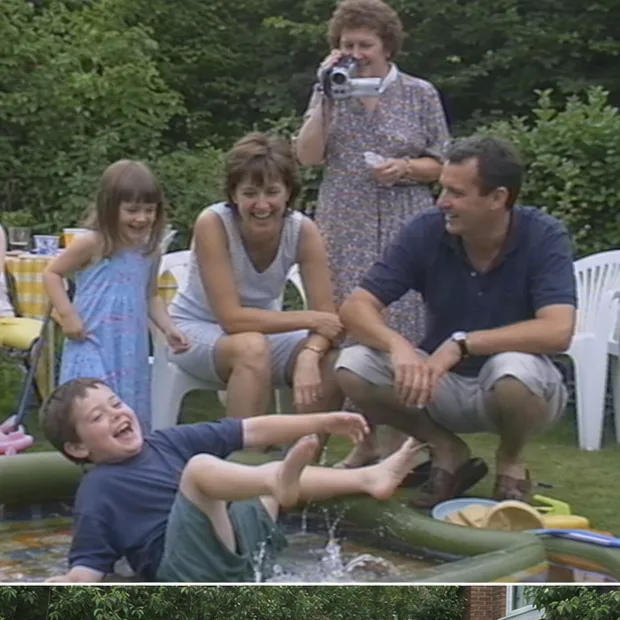
A “digital family archive” sounds like a grant-funded project with white gloves. In practice, it can begin with ten photographs, one home video and the aunt who still knows everybody’s name.
The trick is to build something useful before enthusiasm runs out. Seven short evenings is enough.
Evening 1: choose one boundary
Pick a collection you can describe in a sentence: Grandad’s photographs, the converted VHS box, family weddings, or Mum’s childhood. Do not begin with “everything we own”.
Choose ten to fifty items that would upset the family to lose. Write down where the originals came from and who currently holds them.
Evening 2: make safe copies
Keep an untouched master. Work from duplicates. Put important files on separate storage, with another copy away from the first location, and open a sample from each copy.
The US National Archives family archive guidance is refreshingly practical about handling originals and storing copies. A family website may be where people enjoy the collection, but it should not be the only place the files exist.
Evening 3: create a plain structure
Use dates and events for folders rather than forcing one photograph into one branch of a family tree. A simple start looks like this:
Family Archive
├── Originals
├── Working copies
├── 1962_Rose-and-Alan-wedding
├── 1994_Garden-party
└── Unknown-date_Needs-help
Keep unknown items visible. They are questions for the family, not clutter to hide.
Evening 4: record what the pixels cannot
For each important item, capture the best date, people, place, event, one sentence of story, who supplied the information and anything uncertain. Use our free archive metadata template rather than designing a spreadsheet from scratch.
A worked row might say: circa July 1994 | Rose, Tom, Sarah | Leeds | Tom fell into the paddling pool | date supplied by Rose in 2026.
That source note matters when two people remember the year differently.
Evening 5: make viewing copies
Keep the master files dull and untouched. Create sensible viewing copies: rotate a scan, trim black space or split a two-hour tape into named scenes. Do not overwrite the original in pursuit of a perfect crop.
For video, keep the complete transfer even when you make shorter clips. Future relatives may care about the five minutes you nearly deleted.
Evening 6: choose the family-facing home
Folders are good preservation tools. A private family archive app is better for browsing by people and time, keeping a story beside a video and letting relatives contribute.
Memrial is built for that family-facing layer. It keeps photos, home videos and written memories on a shared private Timeline. It does not replace separate backups or specialist genealogy research, and a full portable export of Timeline structure and comments is not currently available.
Evening 7: invite one useful person
Do not send everybody a vague request to “fill in anything you know”. Add one unknown photograph and ask, “Is this Joan or Margaret?” Invite the relative most likely to answer. Record their name as the information source.
Then stop. The first collection is real, safe and usable. Add the next ten items next month. A living family archive grows through small corrections and stories, not one heroic weekend with a scanner.
How this guide was made
About this guide
Memrial publishes this guide and is included where it genuinely fits. Product comparisons use the linked providers’ official documentation and state when another option is better. We do not claim hands-on testing we have not done.
Read our research, disclosure and corrections policy →Questions about this article
Quick answers.
What belongs in a digital family archive?
Begin with meaningful photographs, home videos, voice recordings, letters and documents. Add the names, dates, places and story that make each item understandable.
Do I need to digitise everything before starting?
No. A small, well-described collection is useful immediately. Add more over time instead of waiting for one enormous scanning project to finish.
Is a digital family archive the same as cloud backup?
No. A backup protects files from loss. An archive also helps people find, understand and contribute to the collection. Use both.